 RawRoom
A darkroom that runs in a browser tab.
Open a NEF, RAF, CR3, ARW or DNG file, develop it and export a JPEG or PNG. Your photos stay on your own device. Free for 30 days, then $19.99 once.
No install. No account until you export. The free trial is open now. Purchases open at launch.
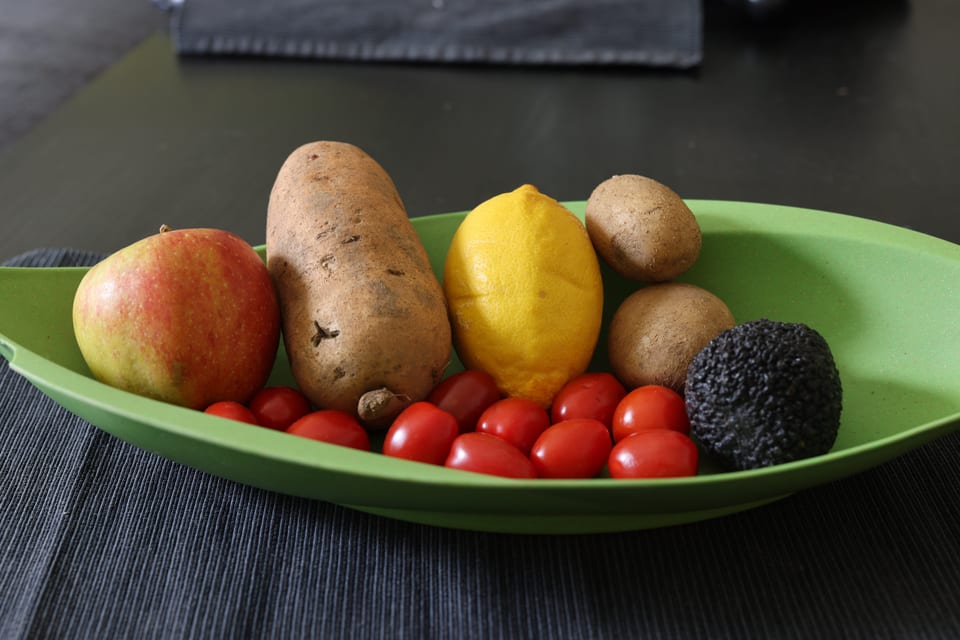
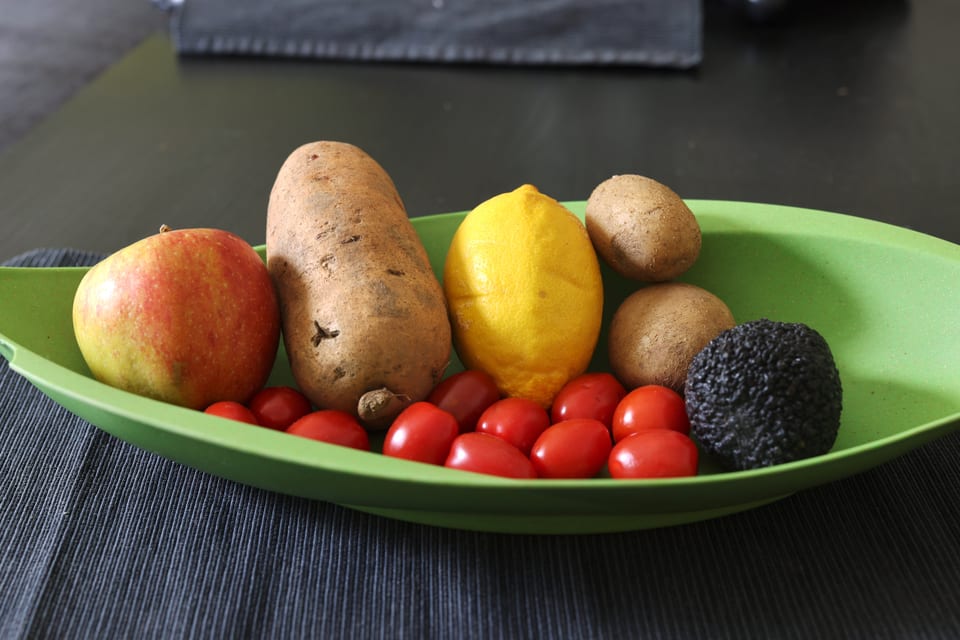
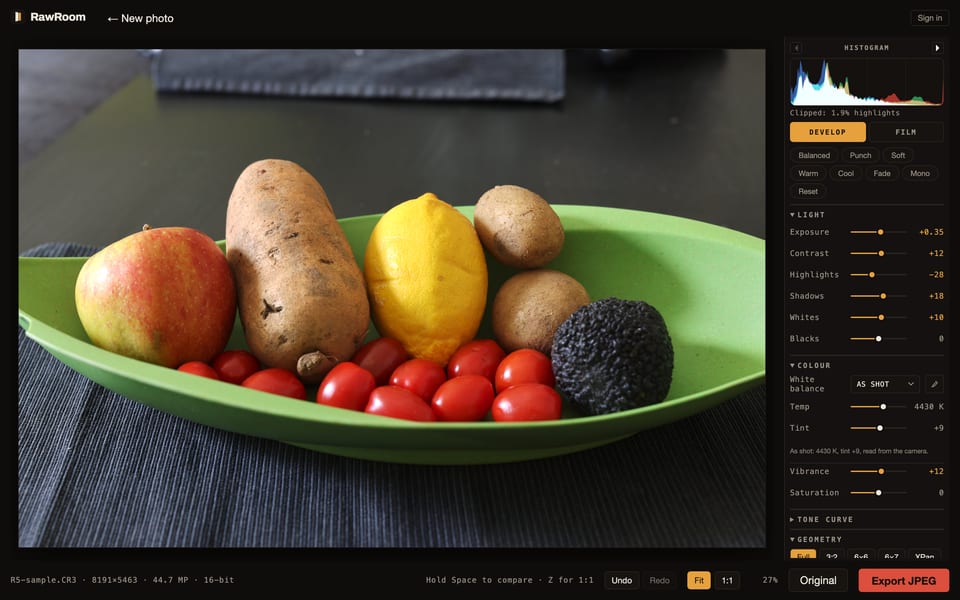
The develop panel.
Your photo fills a dark, colour-neutral room with the tools down the right edge. A raw file opens with an automatic first pass on exposure and tone, which you can change or turn off. Hold Space to see the original.
What's in it
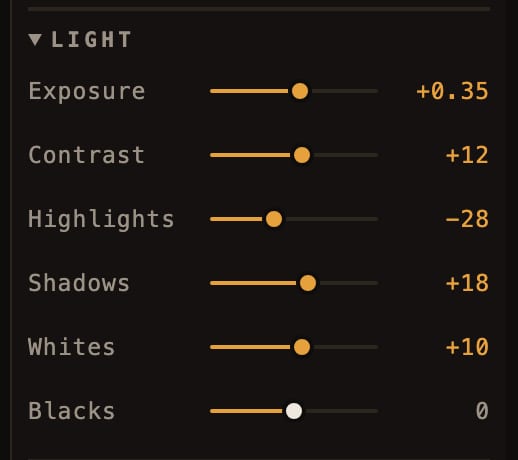
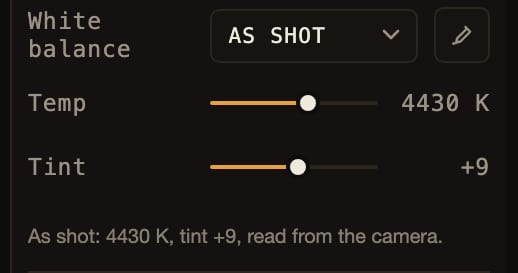
- Light
- Exposure, contrast, highlights, shadows, whites and blacks, on a 16-bit decode.
- Colour
- White balance in Kelvin, tint and a grey-point eyedropper, plus vibrance and saturation.
- Tone curve
- A full RGB curve you shape by hand.
- Crop
- 3:2, 6×6, 6×7 and XPan, with straighten and rotate.
An RGB histogram with clipping warnings, 1:1 zoom and undo sit beside the panel.
24 film stocks, five of them free.
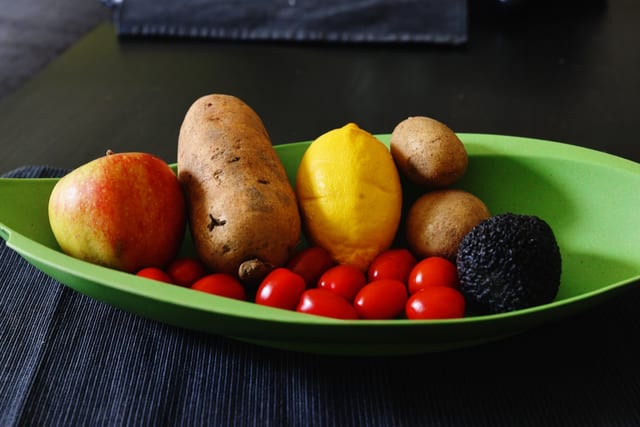
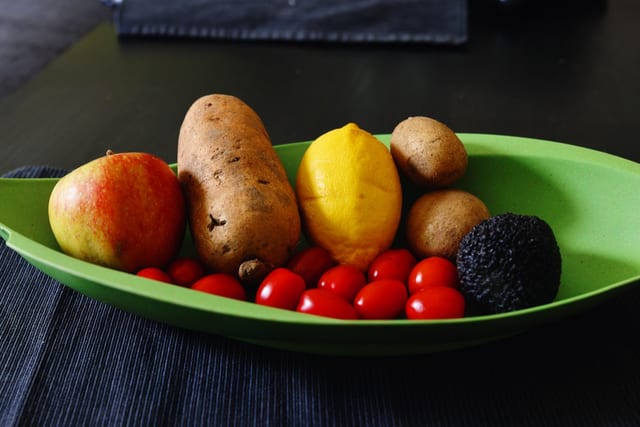
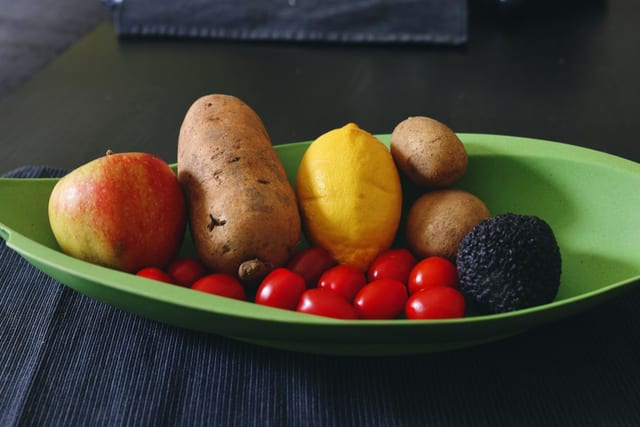
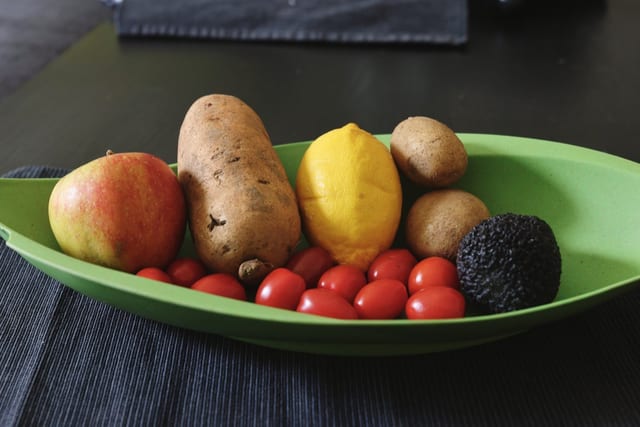
Colour negative, slide, cine and black and white. Set the strength from none to full and compare against your straight develop. Five stocks come with the editor. The other nineteen are in two packs.
-
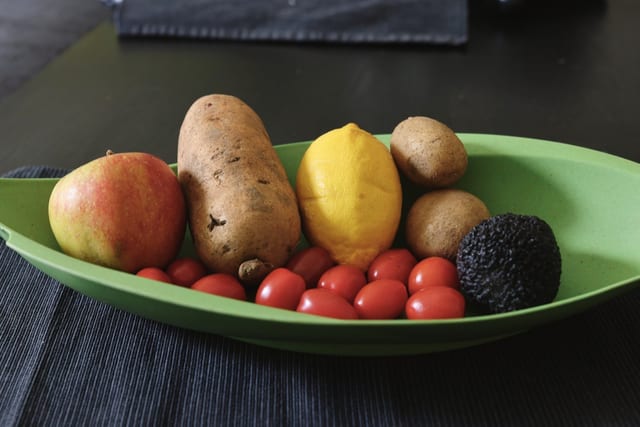
01Portra 160
-
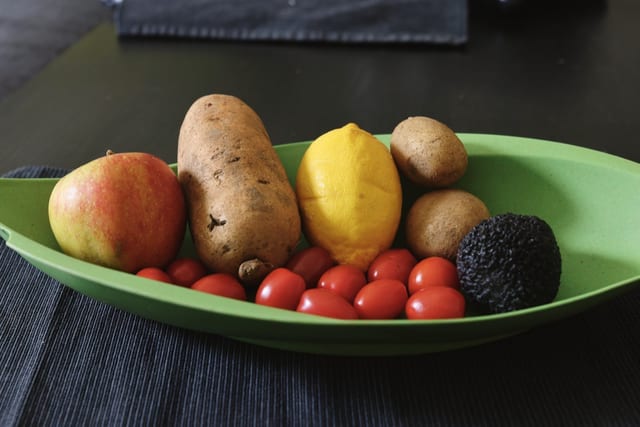
02Portra 400
-
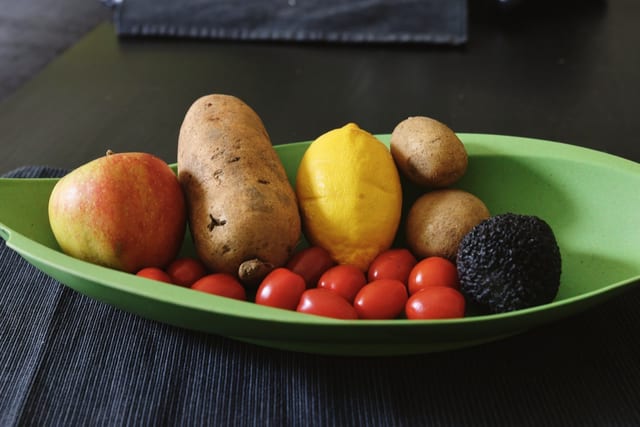
03Portra 800
-
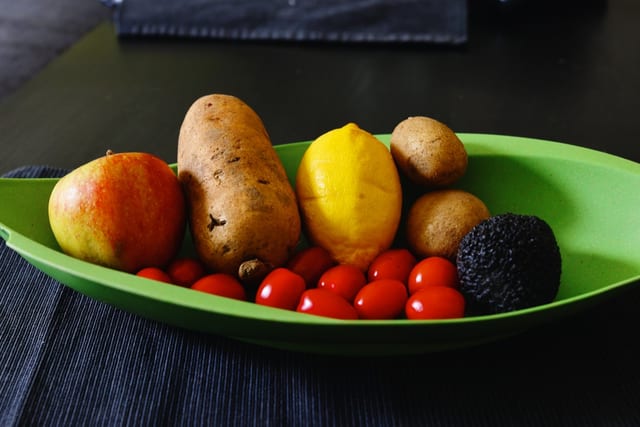
04Ektar 100
-
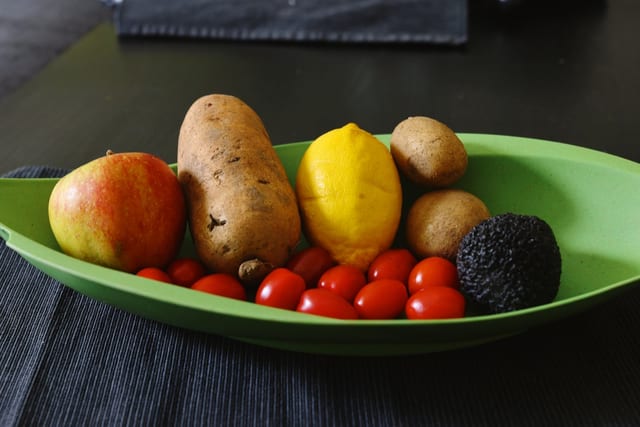
05Gold 200free
-
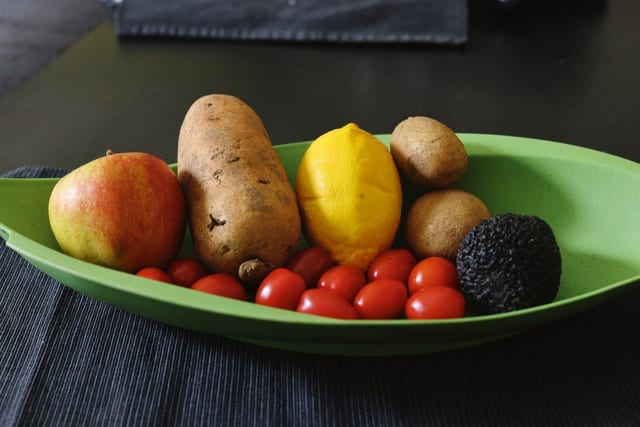
06ColorPlus 200
-
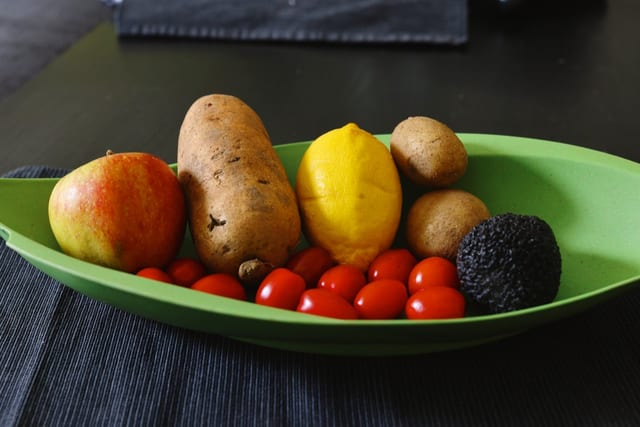
07UltraMax 400
-
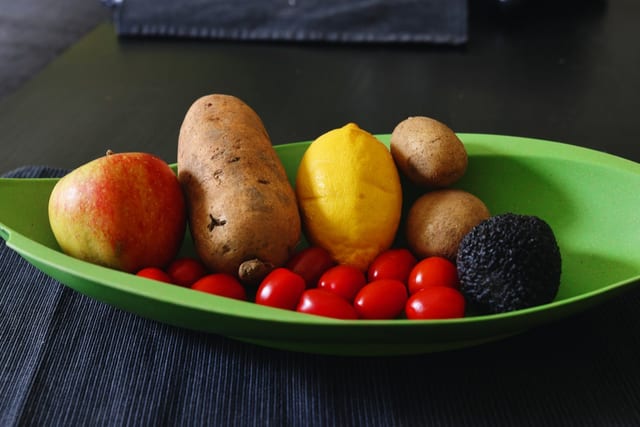
08Superia X-TRA 400free
-
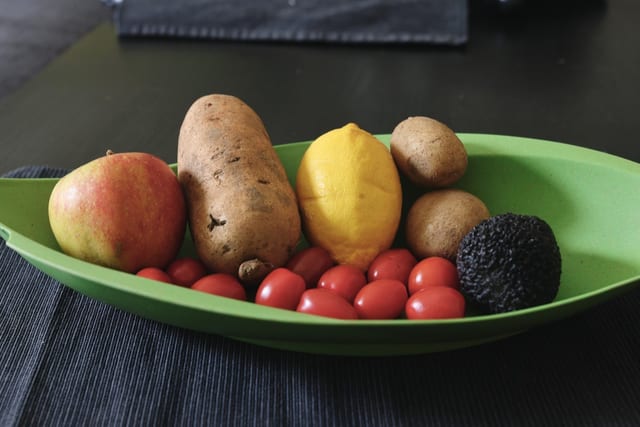
09Pro 400H
-
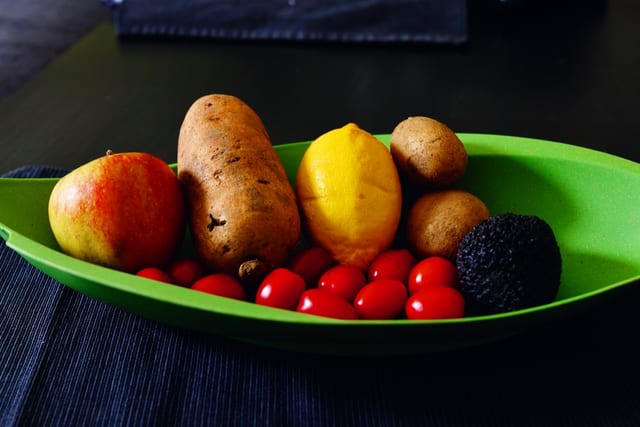
10Velvia 50
-
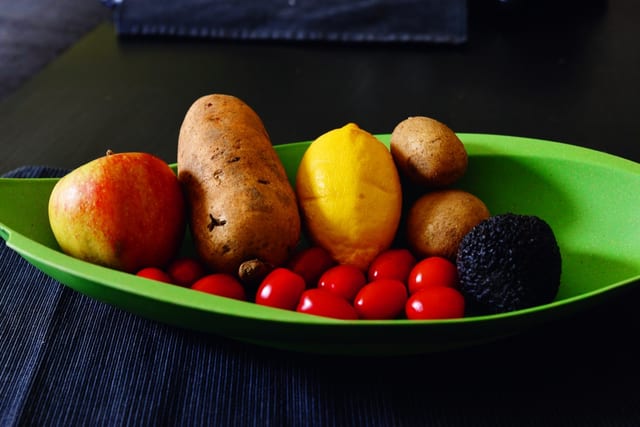
11Velvia 100
-
12Provia 100Ffree
-

13Astia 100F
-
14Ektachrome E100
-
15CineStill 800T
-
16Vision3 250Dfree
-
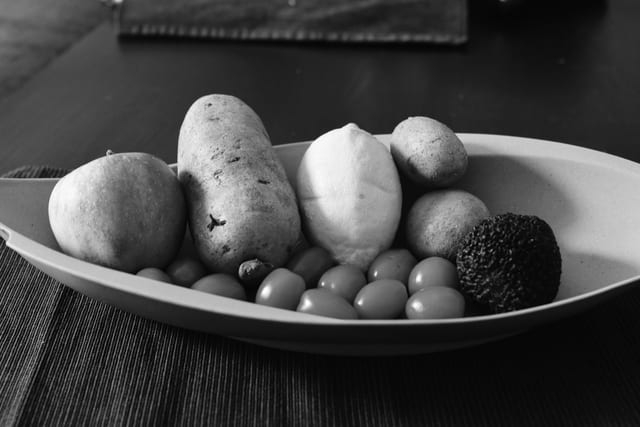
17Tri-X 400
-
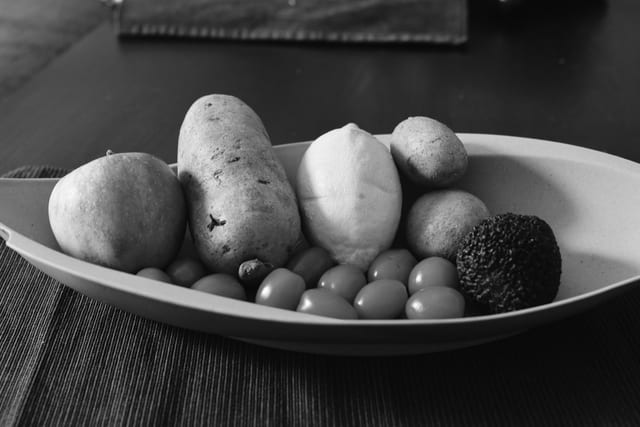
18HP5 Plus 400free
-
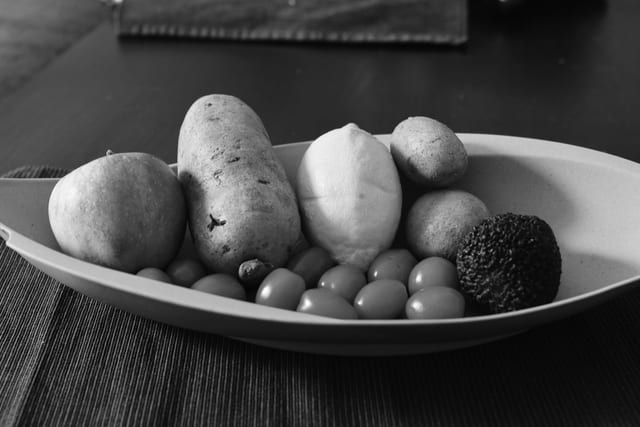
19T-Max 100
-
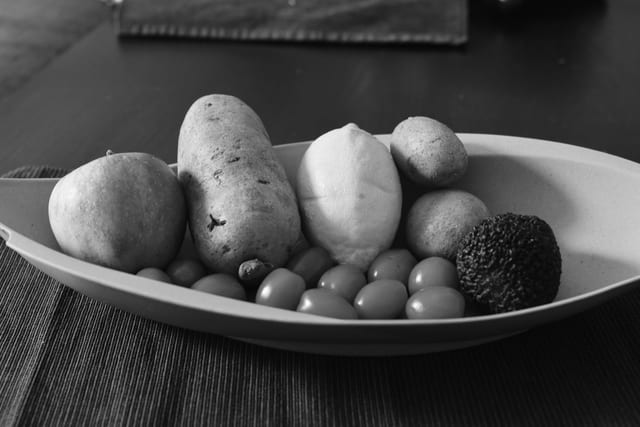
20T-Max 400
-
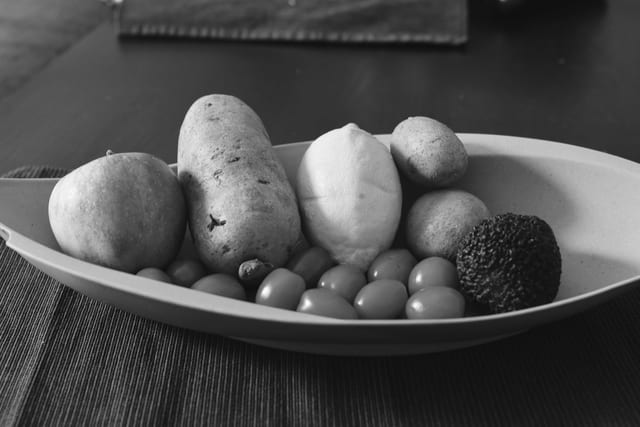
21Delta 3200
-
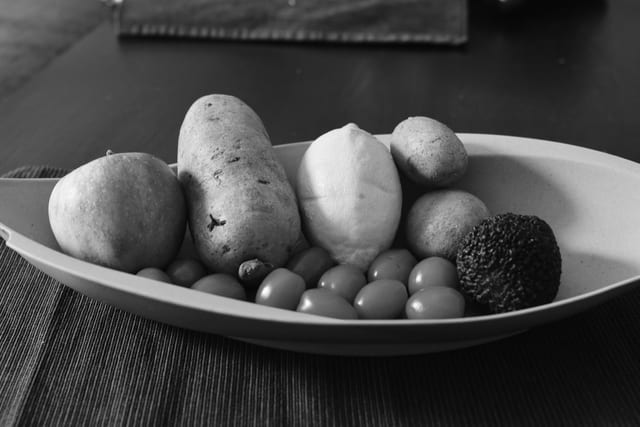
22Acros 100
-
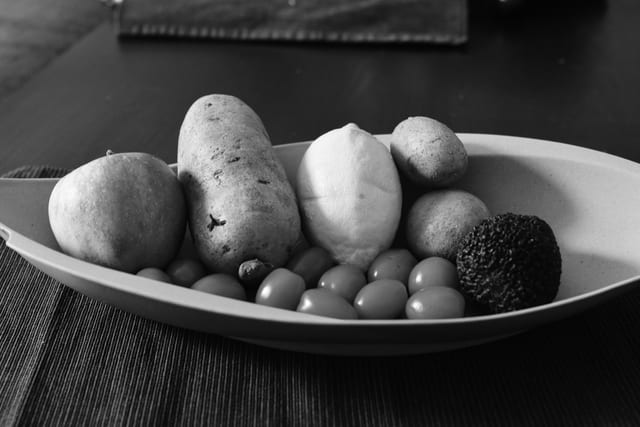
23Pan F 50
-
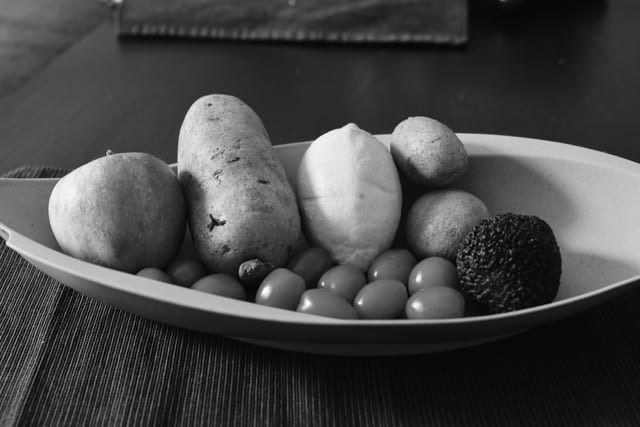
24FP4 125
one photo; 24 exposures
-
01
C-41
Twelve colour stocks: colour negative, slide and cine.
$9.99 one-time
See the pack -
02
Grainhouse
Seven black-and-white stocks, from Tri-X to Pan F.
$9.99 one-time
See the pack
Your photos never leave your device.
RawRoom opens and develops your raw file inside the browser tab, on your own hardware. Your photos are never uploaded. Your slider settings are saved in this browser, so opening the same file again puts your work back.
A few small things go over the network, such as your sign-in email, a licence check, a count of trial exports and anonymous page counts. The privacy page lists all of them.
RawRoom and Lightroom
RawRoom covers the develop pass on one file: set exposure and white balance, pull the highlights, shape the curve, crop, add a film stock and export. You pay for it once.
It has no catalogue, no masking or local adjustments, no lens corrections, no preset import, no sync between machines, and no TIFF or 16-bit export. If your work depends on those, Lightroom is the better tool.
Free for 30 days, then $19.99 once.
The trial gives you every tool and 50 exports over 30 days, with no card. You create a free account with your email at your first export. The free trial is open now. Purchases open at launch.
- Trial
- 30 days, 50 exports, no card
- Develop
- $19.99 once
- Film packs
- $9.99 each
- Kit (Develop and both packs)
- $29.99 once
Coming to Apple Photos
not available to download yet
RawRoom is coming to Apple Photos on Mac, iPhone and iPad as an editing extension, with the same develop controls and film stocks. It is not available to download yet.
Also in development
- 01Sharpening and noise reduction
- 02Developing a whole folder with one recipe
Questions
Which cameras does it read?
Raw files from most current bodies: NEF (Nikon), RAF (Fujifilm), CR3 (Canon), ARW (Sony) and DNG. It also opens JPEG, PNG and WebP. Canon CR2 is not supported, and HEIC opens in Safari only.
Which browsers?
Current Chrome, Edge, Safari and Firefox. Chrome and Edge handle the largest files best. If a file is bigger than your graphics card can hold, RawRoom scales it down and tells you the size it rendered.
Can I use it on a phone?
The editor loads in mobile Safari and Chrome, but a phone reaches its size limit on large raw files much sooner. For now, start on a desktop or laptop.
What happens when I close the tab?
The photo is gone from RawRoom, so export what you want to keep. Your slider settings stay in that browser, and opening the same file again offers to put them back.
Do I need an account?
Not to edit. You create a free account with your email at your first export. That starts the trial: 50 exports over 30 days, no card.